
Auto Pause
Stop at the light. The clock stops with you.
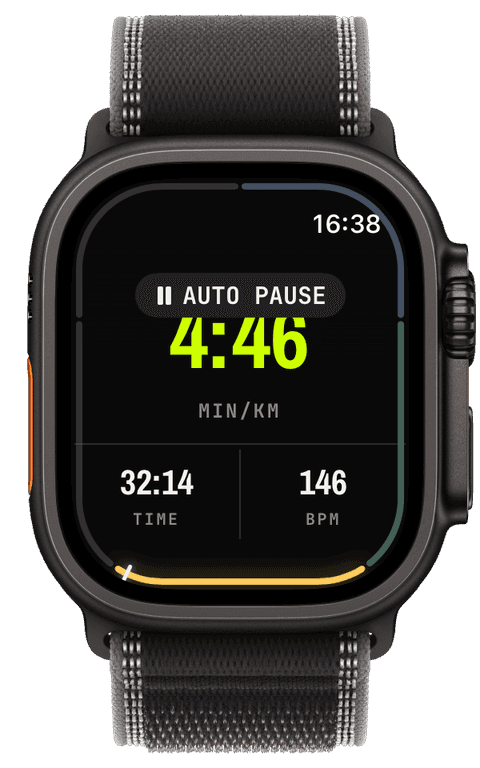
Without auto pause, every crossing, gate and water fountain counts as workout time and drags your average pace down. Runara pauses running, trail running, walking, hiking, cycling and mountain-biking workouts on its own when you stop, and resumes them as soon as you move again. A haptic and an “AUTO PAUSE” / “RESUMED” capsule on the wrist tell you it happened, no voice at every traffic light.
The signal is GPS ground speed, judged with a dead band and a short dwell so a single jittery fix never flips the clock. Each sport has its own profile: a runner pauses below 0.5 m/s after three seconds, a hiker below 0.35 m/s after four, a road cyclist below 1.0 m/s. Lost or poor GPS never pauses anything, unknown is not the same as stopped.
An auto pause is an ordinary pause. The watch uses the same pause and resume as the buttons, so Apple Health and Apple Fitness see normal pause events and your moving time stays honest.
Pauses stay visible afterwards. On the iPhone, every workout-detail chart, heart rate, speed, elevation and cadence alike, shades each paused stretch as a band, whether you paused by hand or auto pause did it for you, so a flat line there reads as “standing at the crossing”, not as a sensor glitch. Segment boundaries sit on the same charts as dashed rules labelled “SEG 1”, “SEG 2” and so on, so you can tell a lap, a climb or an interval apart at a glance and read each part of the workout on its own.
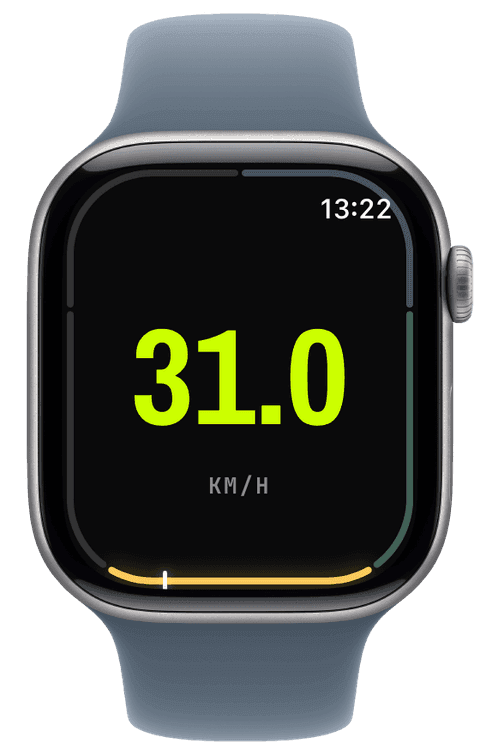
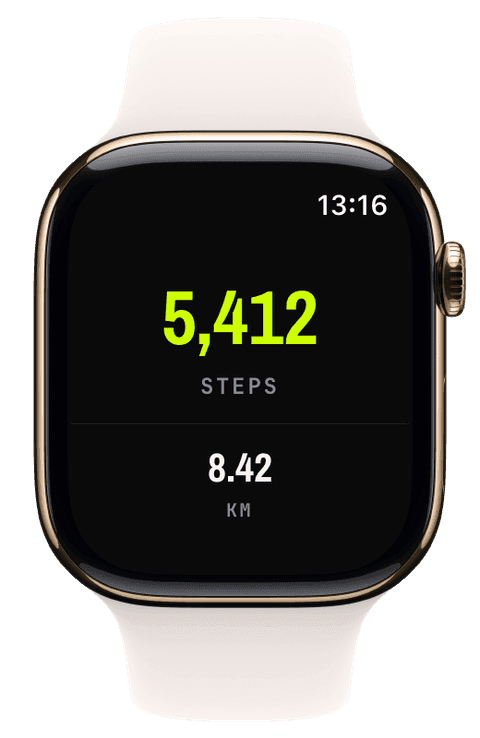
Start a supported workout. Auto pause arms itself after your first real stretch of movement, so a cold GPS at the start line can’t book your warm-up as a stop.
Stop moving. Once your speed stays below the sport’s threshold for a few seconds, the workout pauses with a haptic and an “AUTO PAUSE” capsule. Move again and it resumes within a second or two.
Pause by hand and Runara never resumes for you; resume by hand and auto pause waits until you are actually moving before it watches again. Starting a new segment while paused resumes the workout first.
Switch it per sport on the iPhone under Settings → Workout → Auto Pause, or for a single session from the actions panel on the watch. Turning it off while auto-paused resumes immediately.
Why doesn’t auto pause work for treadmill, swimming or skiing?
Auto pause needs a reliable ground speed. Indoor sports have none, swims have no usable one, and on skis or a snowboard you spend half the day deliberately standing in lifts and queues, where an automatic pause would fight you. The iPhone settings list these sports so the gap is explained, not mysterious.
Can I change how sensitive it is?
Not with a slider, on purpose. Each sport has a tuned profile, a runner, a hiker and a road cyclist stop at very different speeds, and that per-sport tuning is what a sensitivity knob usually tries and fails to replace. You can switch auto pause off for any sport you’d rather control by hand.
What happens under trees or in a tunnel?
When the watch can’t report a trustworthy speed, auto pause simply waits: it neither pauses nor resumes until good fixes return. Losing GPS never stops your clock.
How does an auto pause show up in Apple Health?
As a normal pause. Runara pauses the workout session exactly the way the pause button does, so Apple Health and Apple Fitness record ordinary pause and resume events and your moving time stays honest.
Can I see afterwards where the workout paused?
Yes. In the workout details on the iPhone, every chart shades the paused stretches, manual and automatic alike, and marks each segment boundary with a dashed “SEG” rule. That keeps a stop from looking like a data gap and makes laps and intervals easy to tell apart.