
Swimming in place, and learning to read form
I have a counter-current pool in the garden, so the watch had to learn to measure a swim that never moves, plus a Swift 6 crash that took three tries to kill.
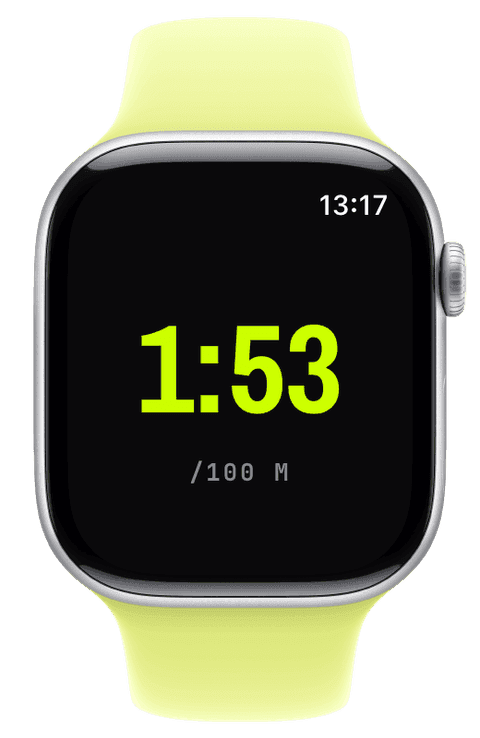
We have a pool in the garden. It is eight metres by four, and it has a counter-current engine, a pump that pushes a steady current at you so you can swim against it and never reach a wall. I swim in it a lot. And it created a problem no fitness app was built to solve.
A swim that never moves
Think about how a watch measures a pool swim. It counts your lengths: it feels you push off a wall, turn, and come back, and it multiplies by the pool length you told it. That is the whole model. Now take away the walls. In a counter-current pool you hold position against the current for twenty minutes. You are working hard, your heart rate is up, your arms are turning over, and as far as the watch is concerned you have swum exactly zero metres, because you never went anywhere and you never turned.
So pool swimming got built up in layers. First the basics: collect the pool length before you start, then the swim widgets, lengths, swim pace, stroke count, stroke rate, and SWOLF (the efficiency score that adds your time and your strokes for a length). Then Water Lock, so the screen ignores splashes and the crown clears it afterward. All standard, all necessary.
Then the strange part, the part that exists because of my garden:
feat(watch): counter-current pool swim mode + fix live stroke collection feat(watch): count counter-current swim strokes from wrist motion feat(watch): simulated lanes, short counter-current pool stands in for a longer pool
A counter-current swim has no laps, so first the watch had to learn to just count strokes and time and heart rate honestly, without inventing distance it cannot know. Counting those strokes meant reading wrist motion directly, because the normal pool-swim machinery assumes turns that never happen.
Then "simulated lanes," which I am unreasonably fond of. You do one reference swim so the watch learns roughly how far you travel per stroke. After that it counts your strokes, and once they add up to a virtual length it buzzes your wrist. That buzz is a cue: swim forward out of the current, make a real turn at the wall, and push back into the current for the next lane. Suddenly a swim with no natural laps produces real distance, pace, lengths, and splits. It is a small bit of honest estimation that turns my weird garden pool into a proper training tool. I built it because I wanted it, which is the best reason to build anything.
The crash that took three tries
Somewhere in the swimming and cadence work lived the nastiest bug of the entire project. Adding live cadence, your steps per minute, kept crashing foot-based workouts a few seconds in. I fixed it twice. It kept crashing. The commit that finally killed it is the most satisfying thing I wrote all month:
fix(watch): mark CMPedometer handler @Sendable to stop isolation trap
Confirmed on device: foot-based workouts now finish cleanly. An on-device debugger backtrace finally pinned the real root cause [...] This is Swift 6's dynamic actor-isolation check. The CMPedometer completion handler is a plain closure written inside the @MainActor driver, so the compiler infers it @MainActor-isolated. CoreMotion invokes it on a background queue, and the runtime asserts "am I on the main actor?" at the closure's ENTRY, before any body code, and traps because we are not.
Here is why this one was so hard, and so educational. The motion framework calls my code back on a background thread. But because I had written that callback inside a class that runs on the main thread, the compiler quietly assumed the callback should run on the main thread too, and Swift 6 inserts a runtime check that fires the instant the callback is entered, before a single line of my code runs.
That last part is the whole story. My first two fixes rearranged code inside the callback, adding a guard here, hopping to the right thread there. None of it helped, because the crash happened at the front door, before any of my code executed. As the commit says, "the resume-once latch and the GCD hop both rearranged body code that runs after the trap point." I was politely tidying rooms in a house that was burning down at the entrance.
The actual fix is one word: mark the callback as @Sendable, which tells the compiler "this can run anywhere, do not assume the main thread, do not insert that check." It took an on-device debugger and reading an actual crash backtrace to see it, because it never reproduced in the simulator. Swift 6's strict concurrency is genuinely good, it catches real bugs at compile time, but when it traps at runtime it does it for reasons that take real understanding to unwind. This is exactly the kind of problem where Claude and I went back and forth, it proposed the reasonable-looking fixes, I ran them on a real watch, they failed, and only the device backtrace, read by a human who has debugged enough of these, pointed at the front door.
Reading my own form
The last piece in this chapter is the one I use most as someone rebuilding fitness from a February standing start: the training-load chart.
feat(history): daily CTL/ATL/TSB training-load chart with draggable cursor
It turns all your workouts into three lines: fitness (a slow 42-day average of your training), fatigue (a fast 7-day average), and form (the gap between them). Each session is scored with a heart-rate-based model, so a hard interval day counts for more than an easy jog. Drag a cursor across the chart and read any day. For me it is the difference between guessing and knowing whether I am building up sensibly or digging a hole. Watching my fitness line climb since February, slowly, unevenly, but climbing, is honestly one of the more motivating things on my phone.
All of it computed on the device, from the workouts already in Apple Health. No account, no upload, same as everything else.
Next, the last post: pulling it together, the wall of small fixes nobody sees, and an honest reckoning with what it was actually like to build this with an AI.